The sticky note that
never falls off
Assign today's tasks in the portal and they land on a paper note pinned to the corner of every employee's screen — checked off right there, synced live. Built for teams that live at the front desk, not in a task app.
Get startedWindows · macOS desktop note · Web portal · Phone & tablet PWA · Board mode for any TV
Set it once. It shows up every day.
No training and no new habit to build — you assign the work, and it appears where your team already looks.
Built for the front desk, not the software team
Everything a busy shift needs, and nothing it doesn't.
Pinned, not buried
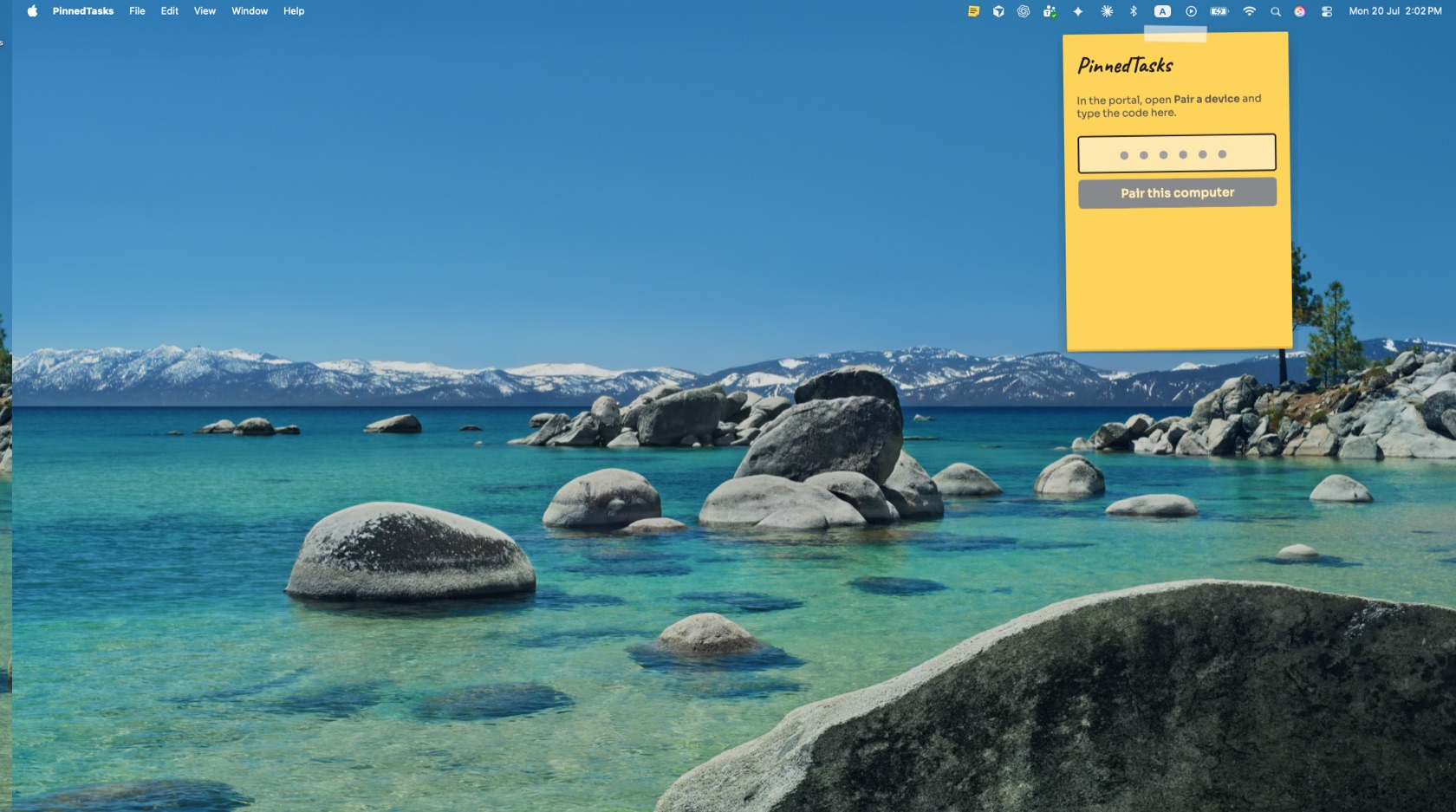
A frameless paper note that lives on the desktop, pinned to the top-right corner on Windows and macOS. No app to open, ever.
Repeats run themselves
Daily, weekdays, or custom weekly — fresh each morning in your timezone. Reminders nag, snooze, and re-nag until done, with fourteen days of history showing what slipped.
Works offline
Wi-Fi drops, the note doesn't. Check-offs queue on the machine and sync the moment it's back.
No staff emails needed
Create your company, add employees by username and password. Installers download right in the portal; phones use the PWA.
Put it on the wall
Board mode turns any screen into a live team board — everyone's tasks for today, grouped by person, synced with every desktop note and phone. On touch screens, tap to check off; on TVs it's the shift's shared scoreboard.
- Wall tablet — any $80 Android tablet or old iPad, tap to check
- Google TV / Android TV — via a kiosk browser app
- Chromecast — cast the board tab from any computer
- Smart TVs — Samsung & LG built-in browsers work
- Raspberry Pi — ~$40 turns any dumb TV into a board
Stick it where they'll see it.
Free while in early access. Set up takes two minutes.
Create your workspace